Q3
Q3 Web Designing for Kids
Web Designing for Kids: Build Your Own Website.
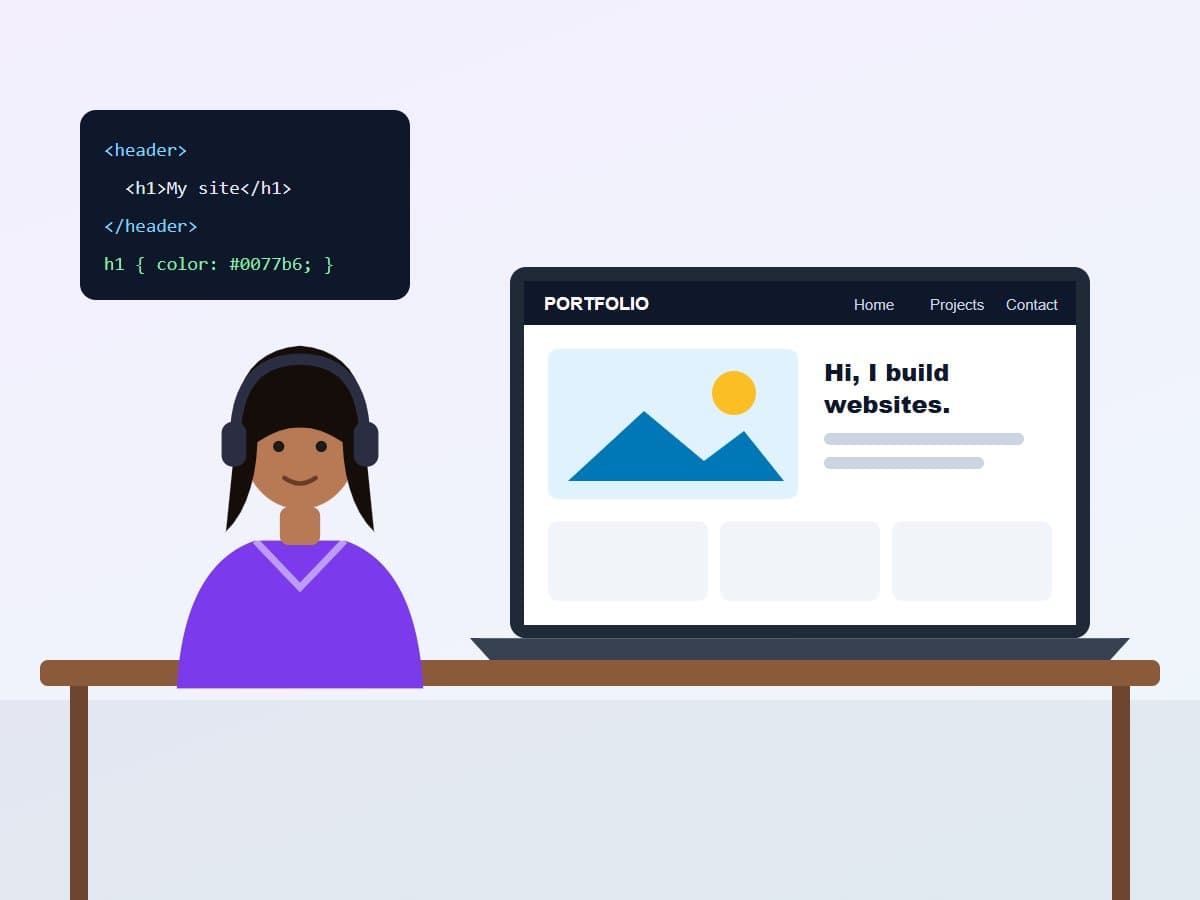
Live online classes where school students design and build real websites. They learn HTML, CSS and design basics, then publish a personal website they're proud to share.
Why This Program
From idea to a real website, built by your child.
A real website, online
By the end, your child has built and published their own website, with a link to share.
HTML and CSS basics
The building blocks of every website, taught simply with instant visual results.
Design sense
Colours, fonts, layout and images: what makes a page look good and easy to use.
Hands-on every class
Children build as they learn, seeing each change appear on screen immediately.
Creativity with purpose
Websites about their hobbies, school projects or favourite topics keep motivation high.
Online safety built in
Safe browsing, privacy and what never to share online are part of the course.
Programs
Pick the track that fits your timeline.
3-6 Months₹4,999 / MonthKids
Web Designing for Kids
HTML, CSS and design basics, ending with a published website.
- HTML, CSS and design basics
- Builds one website across the course
- Publishes a real website
- Live online classes with a trainer
- Certificate of completion
The Full Curriculum
From a blank page to a published website.
Each module adds a new skill to the same project, so the website grows as your child learns.
How websites workStage 1
Browsers, web pages and links, plus online safety and privacy for young creators.
HTML basics
Headings, paragraphs, lists, links and images: the structure of a web page.
Styling with CSS
Colours, fonts, backgrounds and borders to bring a page to life.
Design principlesStage 2
Layout, spacing, colour choice and readable text: designing for real people.
Page layout
Boxes, columns and navigation menus to organise a multi-page site.
Responsive design
Making the website look good on phones, tablets and computers.
Adding interactivityStage 3
Buttons, simple effects and an introduction to how JavaScript makes pages interactive.
Publish and present
Put the website online for free and present it to the class and family.
Built In, Not Bolted On
Design and code, side by side.
Good websites need both, and so does this course.
Design
Making it look good
- Colour and typography
- Layout and spacing
- Images and graphics
- Designing for phones and computers
Code
Making it work
- HTML page structure
- CSS styling
- Menus and multiple pages
- Publishing online
Tools & Platforms
Tools your child will use.
Free tools used by real web designers, set up simply for beginners.
Who This Is For
For creative kids who want to make something real.
- Creative minds: children who love drawing, design or making things look good.
- Beginners: no coding or design experience needed.
- Young coders: who want a visual, practical way into programming.
- Project-lovers: who would enjoy building a website for a hobby or school topic.
What your child finishes with
Their own published multi-page website, a working knowledge of HTML and CSS, an eye for good design, and a certificate of completion.
FAQ
Common questions.
Keep exploring
More Q3 Academy programs
- Coding for KidsGames, animations and real programs: from block coding to first steps in Python.
- Personality Development for KidsConfidence, communication, manners and public speaking for school students.
- English Speaking for KidsFluent, confident spoken English through conversation, stories and games.
- All courses for school studentsCompare every course for school students in one place.
Related articles
- Best Digital Marketing Course Online in 2026: A Real Buyer's GuideFree platforms, paid certifications, and career-focused diplomas all claim to be the best digital marketing c…
Ready to start Web Designing for Kids?
Book a free demo class or reserve a seat. No payment is needed today.
Not Sure Yet?
Talk to us before you decide.
A free, no-pressure call with our team to figure out the right program, duration, and timeline for you, no pitch, no payment, no obligation.
Grab a spot
All times shown in your local timezone.
No cost, no obligation, just guidance on the right program for you.
Reserve Your Seat
Start learning, no payment required today.
Tell us a little about your child and the timing that suits your family. Our team will call to confirm the batch and answer your questions before you commit to anything. Not ready yet? first.